Published November 11, 2026
How to Pack a TV for Moving and Keep It Upright
Take the stand off, pad the corners, slide the TV into a box that fits, and keep it standing on its bottom edge the whole ride. Then check who pays if the picture never comes back on.
The costly mistake is laying the TV flat on the truck floor, wrapped in a blanket, with a few boxes on top. The panel was built to stand on its edge. Lying down, it bends a little over every bump. Pack it in a box that fits, keep it upright the whole way, and never set anything on it.
The second mistake shows up after the move. In Washington, if you packed the TV yourself and the screen will not light up, the mover is not liable for that inside damage.
- Keep the TV upright. LG's own manual says never turn it on its side or tilt it left or right.
- Two people carry any large TV. Hold the frame, never the screen.
- Use the original box if you still have it. If not, a TV box runs $28.75 to $393.19 from a Washington mover for a local move, as of November 2026, or half that if it is used.
- Pick a box at least 5 inches wider and taller than the screen, so the foam corners and frame fit.
- Photograph the TV turned on before you unplug it. That photo is your proof it worked.
- If the TV was packed by you and the box shows no damage, Washington's mover rules say the carrier does not pay for a dead screen.
Why a TV Rides Upright
This is not just a mover's habit. The 2025 LG owner's manual for its LED TVs says to keep the TV upright when you move it, and never to turn it on its side or tilt it left or right. It also says to avoid jolts and hard vibration, and not to press on the frame so hard it flexes, because that can damage the screen.
The reason is how the set is built. A flat screen is thin and wide. Standing up, its own weight goes straight down into the bottom edge, which is the strong part. Laid flat, the middle of the panel has nothing under it, and a truck on a rough road shakes it up and down for the whole drive.
The same LG manual says a large TV needs at least two people, and that you should hold the top and bottom of the frame, not the screen or the speaker grill. LG's moving help page adds one more thing people miss. Measure the hallway and the doors against the size of the box, not the TV, because the box is bigger.
Box Size by TV Size
TV sizes are the screen measured corner to corner. Most guides stop there. A box needs the width and the height, so I did the math for a standard wide screen, which has a shape of 16 wide by 9 tall.
| TV Size | Screen Width | Screen Height | Inside Box, At Least |
|---|---|---|---|
| 43 inch | 37.5 in | 21.1 in | 43 x 27 in |
| 50 inch | 43.6 in | 24.5 in | 49 x 30 in |
| 55 inch | 47.9 in | 27.0 in | 53 x 32 in |
| 65 inch | 56.7 in | 31.9 in | 62 x 37 in |
| 75 inch | 65.4 in | 36.8 in | 71 x 42 in |
| 85 inch | 74.1 in | 41.7 in | 80 x 47 in |
The screen sizes are plain geometry. The box column is my own rule. It adds 5 inches to each side's length, which leaves room for the frame and a foam corner of about 2 inches. Measure your own set with the frame before you buy a box, since frames vary.
U-Haul sells its TV boxes by size band, a medium box under 40 inches, a large box for 32 to 70 inches and an extra large for 70 to 86 inches, for sets under 5 inches deep. Those bands are a good start. Check the inside size against the table before you pay.
Pack It in This Order
- Photograph it working. Turn the TV on and take a photo of the picture. Then photograph the back with every cable still plugged in.
- Unplug and bag the small parts. Cords, remote, stand screws and wall mount screws go in one zip bag. Tape the bag to the inside of the box flap, not to the TV.
- Take off the stand or the wall bracket. For stand work, LG says to set the screen face down on a cushioned table or flat surface. Use a thick blanket, and keep it there only as long as the screws take.
- Cover the screen. A soft layer goes on the glass first, like a clean blanket or a foam sheet. Bubble wrap can go over that. Never tape anything to the screen itself.
- Put on the corners. Foam corners take the hits when a box gets bumped. If you have none, fold cardboard into thick pads and tape them over the wrap.
- Slide it in standing up. Fill the gap at the top and sides with towels or paper so the TV cannot slide. It should not move when you rock the box.
- Mark it. Write TV, fragile, this side up, and an arrow, on at least two sides. Mark which face is the screen.
In the Truck
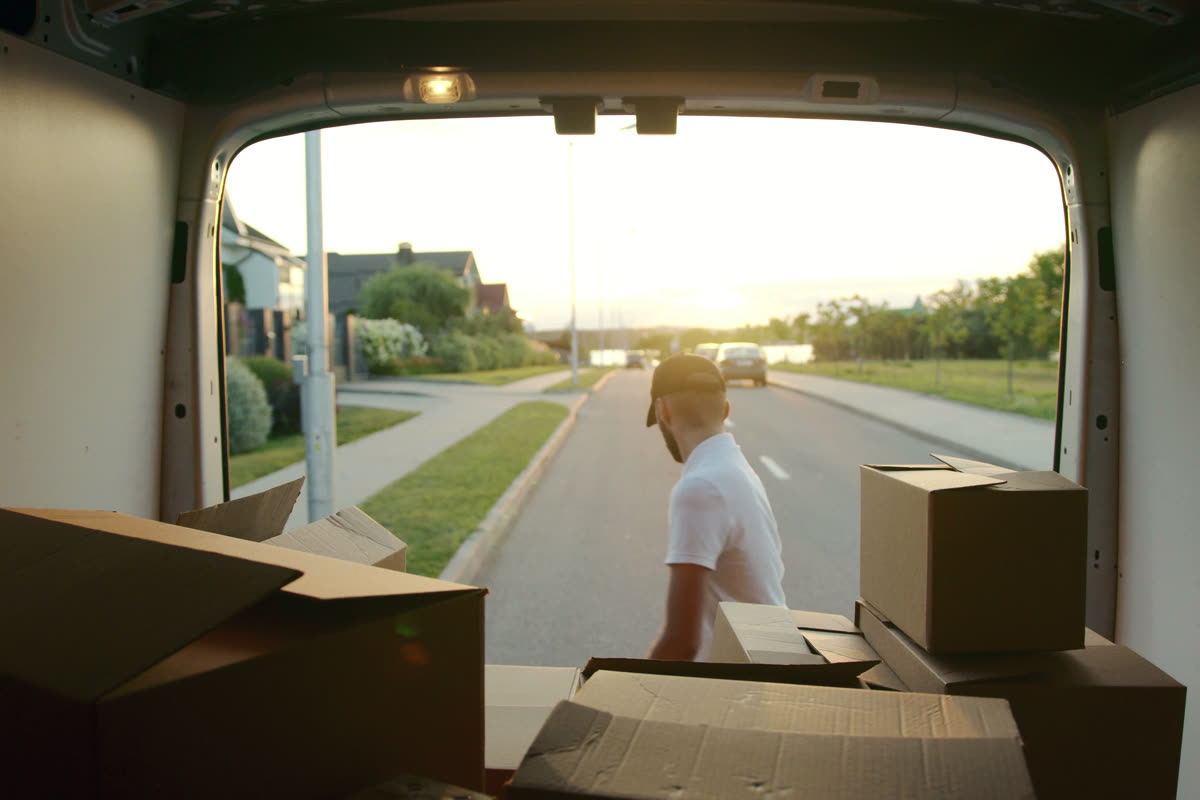
Stand the boxed TV on its bottom edge against a wall of the truck, or between two flat, heavy pieces like a mattress and a dresser. Strap it so it cannot tip. U-Haul says the same, wedge it between two flat, sturdy objects or tie it to the rails. Put it on last if you can, so it comes off first.
In an Everett winter, a TV can spend a night in a cold truck or garage. The LG manual lists a storage range of minus 4 to 140 degrees Fahrenheit, so cold alone will not hurt a set that is turned off. Its operating range starts at 32 degrees, though. I let a cold TV sit inside at room temperature for a few hours before I plug it in. LG also notes that a set that feels cold can flicker a little when it first turns on, and that this is normal.
If rain is in the forecast, the box needs to stay dry too. Our post on moving in the rain covers wrapping and staging boxes in wet weather.
Who Pays If the Screen Dies in Washington
No TV packing guide I found covers this, and it matters more than the bubble wrap. Washington's Tariff 15-C is the state rulebook for household goods movers, and it covers moves inside the state. Item 90 says the carrier is not liable for inside damage to electronics, televisions included, in two cases.
- When there is no visible damage to the box or the TV.
- When you, or someone for you, packed it.
So a TV you boxed yourself that arrives with a clean box and a black screen is your loss. Even when the mover is liable, basic coverage pays 60 cents a pound. As a worked example, a 40 pound TV under basic coverage is worth $24.
What you can do about it.
- Choose your coverage on purpose. Item 90 offers replacement coverage with a $300 deductible or with none. Ask about the cost before move day.
- Let the mover pack it. A mover's own TV carton for a local move falls between $28.75 and $393.19 under Item 225 of the tariff. Item 225 also lets you buy a used carton at half price when the mover has one.
- Look before you sign. Check the TV box at delivery and write down any dent or tear on the paperwork.
- Know the deadline. The tariff gives you nine months after delivery to file a written claim.
Moving across state lines puts you under federal rules instead. Federal rules let a mover limit liability for items you packed yourself when the packing was not good enough.
Pack It, Hand It Off, or Leave It
Once you have the right box, a TV is one of the quicker things to pack. Our packing help is billed at the same $185 an hour as the move, so it makes sense when you also want help with the kitchen or the closets. Our dish packing guide uses the same idea of padding and no empty space.
Some TVs are not worth the box. If an old set is not coming with you, the Snohomish County transfer stations do not take TVs, as our Everett dump fees post explains. E-Cycle Washington recycles TVs, monitors and computers for free, and its site has a map of drop off spots. See our pricing page for the rest of our rates.
Fair Questions
- Is it okay to lay a 75 inch TV on its back when transporting?
- No. LG's manual says to keep a TV upright when you move it and never turn it on its side or tilt it. A large screen has the least support in the middle when it lies flat.
- Can you transport a TV laying down in the box?
- Keep the box standing up. Laying the TV flat for a minute to take off the stand is fine. Riding flat for the whole drive is the risk.
- Is it safe to wrap a TV in bubble wrap?
- Yes, over a soft first layer. Put a blanket or foam sheet on the screen, then bubble wrap over that, and never tape anything to the glass.
- How long should a TV sit before turning it on after a cold move?
- Let it reach room temperature first. LG lists 32 degrees as the low end of its operating range. I wait a few hours after a cold truck ride.
- Do I need the original box to move a TV?
- No, but it is the best option, and LG recommends it. Without it, use a TV box sized at least 5 inches wider and taller than the screen, with foam corners.
- Will movers pay if my TV stops working after a move?
- In Washington, not if you packed it yourself or the box shows no damage. Tariff 15-C excludes inside damage to electronics in both cases.
Works Cited
- Washington Utilities and Transportation Commission, Tariff 15-C, effective January 1, 2026
- LG Electronics, LED TV Safety and Reference Owner's Manual, 2025, model 50QNED87A6D
- LG, How to Prepare for Relocating and Installing an LG TV
- U-Haul, How to Pack and Move a Flat Screen TV
- Cornell Law School, 49 CFR Appendix A to Part 375, Your Rights and Responsibilities When You Move
- E-Cycle Washington, Recycle Computers, Monitors and Televisions
Choose Everett Local Movers in Google's preferred sources